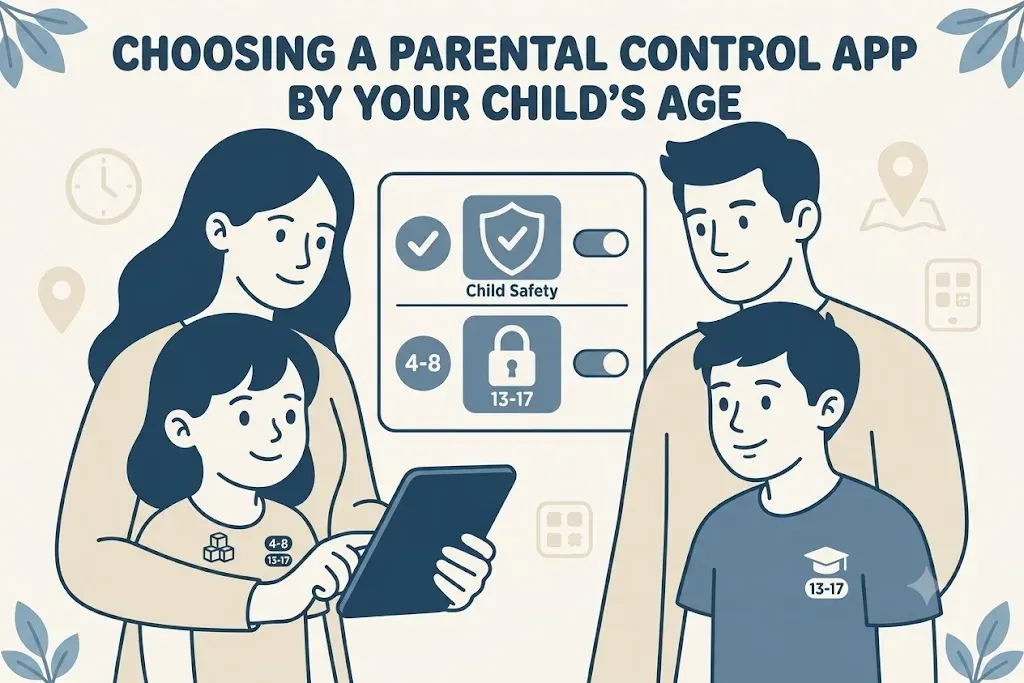
Most comparison advice starts with features. Start with your child instead.
The same product that works beautifully for a younger child can be the reason an older one stops telling you what happens online. A nine-year-old accepts a filter without much thought. A fifteen-year-old who finds the same filter restrictive will route around it - and the first thing they route around is your visibility.
Here is how the calculation changes as children grow, and what to check before you pay.
Under 10: Filtering and Time Do the Work
Young children are mostly on devices in rooms you walk through. The risk is stumbling into something, not seeking it out.
What earns its cost at this age is a strong content filter and a firm daily limit. Monitoring features matter much less, because you can already see most of what happens.
What to prioritise
- Filtering quality over filtering breadth. A product that analyses pages as they load catches sites too new for any blocklist.
- Coverage of the shared devices. The family tablet and the living-room computer matter as much as any phone at this age.
- Simple setup with sensible defaults. You want something a grandparent can also manage without a manual.
What you can skip
Social media monitoring, message scanning, and detailed activity timelines. You will pay for them and not open them.
At this age the cheapest capable product usually wins. Surfshark's content blocker starts at $2.79 a month on Surfshark One and covers unlimited devices, which is hard to beat when all you need is a boundary.
Ages 10 to 13: The First Phone Changes Everything
This is the age the calculation flips. A first phone arrives, group chats start, and social accounts appear whether or not they were agreed to.
Filtering still matters, but reporting becomes the feature you actually use. This is the point at which social and messaging alerts start earning their cost - not to read everything, but to be told when a conversation turns to bullying, self-harm, or a stranger making contact.
Three checks specific to this age
- Does it cover the apps they really use? Not "social media monitoring" in the abstract - the named platforms. Snapchat and Discord are where the conversations are, and coverage varies.
- Does it cover them on the right operating system? iOS restricts what any third-party app may see. If message monitoring is why you are buying, verify it exists on iPhone, not just on Android.
- Can settings be changed without your approval? And does it tell you if protection is switched off? Assume a curious eleven-year-old will at least try.
Screen time, reframed
Around this age, a daily cap starts producing nightly arguments. Schedules survive better: the phone goes quiet at bedtime and during school hours, and the rest is flexible. Products that offer both give you room to negotiate as the child gets older.
Teenagers: Trade Blocking for Alerts
Heavy-handed blocking stops working here, and not because the software gets worse.
A teenager who finds the filter restrictive will find a way around it. That much is predictable. The part that costs you is what comes with it: once they are working around the software, they are also working around you, and the thing you most wanted - knowing when something is genuinely wrong - is the first thing you lose.
The products that hold up at this age do less blocking and more flagging. They leave ordinary conversation alone and raise an alert when the content itself is concerning. Most teenagers will accept that trade, particularly if you install it openly and say plainly what it does and does not show you.
| Under 10 | 10 to 13 | Teenager | |
|---|---|---|---|
| Filtering | Essential | Important | Light touch |
| Screen time | Daily cap works | Move to schedules | Bedtime rule only |
| Monitoring | Rarely needed | Alerts start to matter | The main reason to buy |
| Location | Useful | Useful | Useful, expect pushback |
| Install openly? | Naturally | Yes | Yes - and explain it |
On covert monitoring
Some products run without announcing themselves. There are situations that justify it - a specific safety concern, evidence that something is wrong - and it is a legitimate reason those products exist.
But it is a different kind of purchase, and worth being honest with yourself about. If a teenager finds hidden monitoring, and they sometimes do, the conversation that follows is about trust rather than about screen time. Check your local law as well: rules on monitoring a minor vary by country and by the child's age.
Three Checks Before You Pay
Whatever the age, confirm these before the card comes out. Each one is a common source of regret.
1. Platform coverage, feature by feature
"Supports iOS" and "supports this feature on iOS" are different claims. For example, some tools run on Windows, Android and iOS but have no macOS support at all, which rules them out for a household whose children work on MacBooks.
2. What the plan actually covers
Per child or per family? How many devices?
| Product | Structure | Entry price |
|---|---|---|
| Bark | Whole household | $14/month |
| Surfshark One | Unlimited devices | $2.79/month |
| mSpy | No published device limit | $11.66/month, annual |
A household with three children and six devices pays very differently across that table than a household with one child.
3. The renewal price
First-year offers are standard in this category. The second-year rate is the one you will live with, and it is rarely on the same page as the headline figure. mSpy's pricing page says it plainly: the discounted rate applies to the first term, and full price starts at renewal.
Then Use the Trial
Most products here offer a free trial, a free tier, or a refund window of 14 to 60 days. Use it properly:
- Install on one device first.
- Set it up the way you actually intend to use it - not the defaults.
- Live with it for a week, including a weekend.
- Check whether the alerts are useful or just constant noise.
A parental control app only works if it survives that first week at home. That depends on things no feature list can tell you: whether the dashboard makes sense to you, whether the notifications are worth reading, and whether your child will accept it being there.
At kidssafetyranked.com we rank parental control apps on filtering, monitoring, screen time, location, price, and how hard they are to remove - so you can match the product to the child rather than to the advertisement.
Compare Parental Control Apps