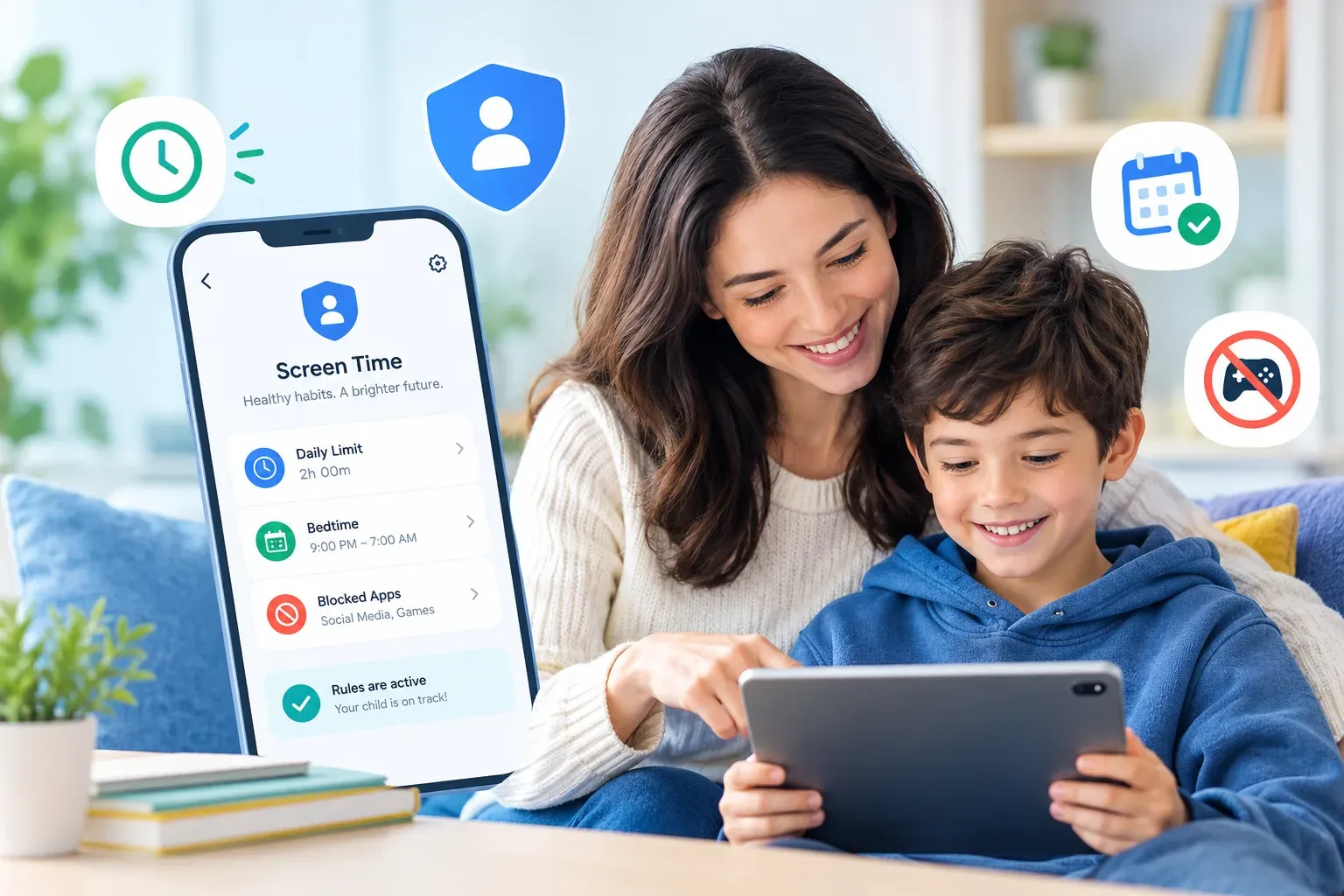
Nearly every parental control app can cap screen time. Far fewer families are still using that cap three months later.
The software is rarely the reason it failed. Limits collapse for reasons that have nothing to do with the app: the number was picked without discussion, it treated homework the same as a shooting game, and it ran out mid-activity so every evening ended in a negotiation.
This is how to set a limit that survives contact with a real household.
A Daily Cap Is the Bluntest Tool Available
"Two hours a day" sounds reasonable until you apply it.
Two hours of research for a school project and two hours of gaming count the same. The limit expires in the middle of something, so the last five minutes of every day become an argument. And because the number is abstract, there is nothing to appeal to when your child asks why - which they will, nightly.
Most products offer better instruments than the daily total. Use them.
Schedules
Schedules block specific windows - after bedtime, during school, at the dinner table. They are easier to defend because they are about when, not how much, and they attach to something real: sleep, lessons, being in the room with the family.
Per-app and per-category limits
Cap games and social apps while leaving schoolwork and messaging alone. This is the single change that removes most of the unfairness a child feels, because it stops punishing the useful uses of a device.
Downtime
A fixed hour when the device stops. Of all the rules in this article, a consistent nightly cut-off is the one most consistently linked to better sleep - and it is the easiest to explain.
If your product only offers a daily total, you are working with the weakest version of this feature. Bark handles per-app rules and schedules; Surfshark's content blocker has no time controls at all.
Set the Rule Together
A rule your child helped write survives a Friday night. One that appeared without warning gets treated as an obstacle.
This does not mean handing over the decision. It means being explicit about three things:
- What the limit is - precisely, not "not too much".
- Why it exists - sleep, homework, family time. Give the actual reason.
- What would change it - a school holiday, a birthday, a demonstrated pattern of managing it well.
Older children respond to a rule with a reason attached far better than to a number that arrived by surprise. And a rule with a stated path to change is one they can work toward rather than around.
Say that the app is installed
Discovering monitoring later costs more trust than the monitoring itself was ever worth. Install openly, explain what it shows you and what it does not, and the software becomes part of an agreement rather than something to defeat.
Decide What Happens at the Limit
This is the step most families skip, and it is where the rule usually breaks.
Decide in advance:
- Does the device lock, or does it warn first?
- Can time be earned back, and for what?
- Who grants an extension - and will that person be consistent about it?
Most apps support a warning before cut-off and a one-off extension from the parent dashboard. Turn both on. A five-minute warning turns a confiscation into a countdown, which is a much smaller fight than a screen going black mid-game.
| Situation | Weak response | Better response |
|---|---|---|
| Limit hits mid-game | Device locks instantly | 5-minute warning, then lock |
| Homework needs more time | Argue, then give in | Per-app rule exempts schoolwork |
| Weekend feels different | Same cap as Tuesday | Separate weekend schedule |
| Child asks for more | Decide on the spot | "We review it in September" |
The right-hand column is not more permissive. It is more predictable, which is what makes a rule hold.
Review It on a Schedule
Set a date to revisit the rule - the start of a term, a birthday, the end of the holidays.
A limit set for a ten-year-old that never changes becomes the thing a thirteen-year-old works around. Reviewing also gives you somewhere to put requests: "we will look at it in September" is a real answer, and it stops every evening from becoming a renegotiation.
What to look at when you review
- Did the limit actually get enforced, or quietly abandoned?
- Which apps consumed the time? Most dashboards will tell you.
- Did it produce arguments? Frequent conflict usually means the rule is mis-shaped, not that the child is unreasonable.
- Has anything changed - a new school, a new game, a new friendship group?
What Screen Time Rules Cannot Fix
Worth saying plainly: a time limit is a blunt instrument aimed at quantity, and most of what parents actually worry about is quality.
A cap does not know whether the two hours were spent on a video call with a grandparent or in a group chat that has turned nasty. If the concern is what happens on the device rather than how long it is used, a time limit is the wrong tool and no amount of tuning will fix that - you want monitoring or alerts instead.
Used for what it is good at - protecting sleep, protecting homework, keeping devices out of meals - a well-shaped limit does real work. Just do not ask it to do the other job.
At kidssafetyranked.com we compare which parental control apps offer schedules, per-app limits and downtime rules - not just a daily total - so the limit you set is one your family can actually live with.
Compare Parental Control Apps